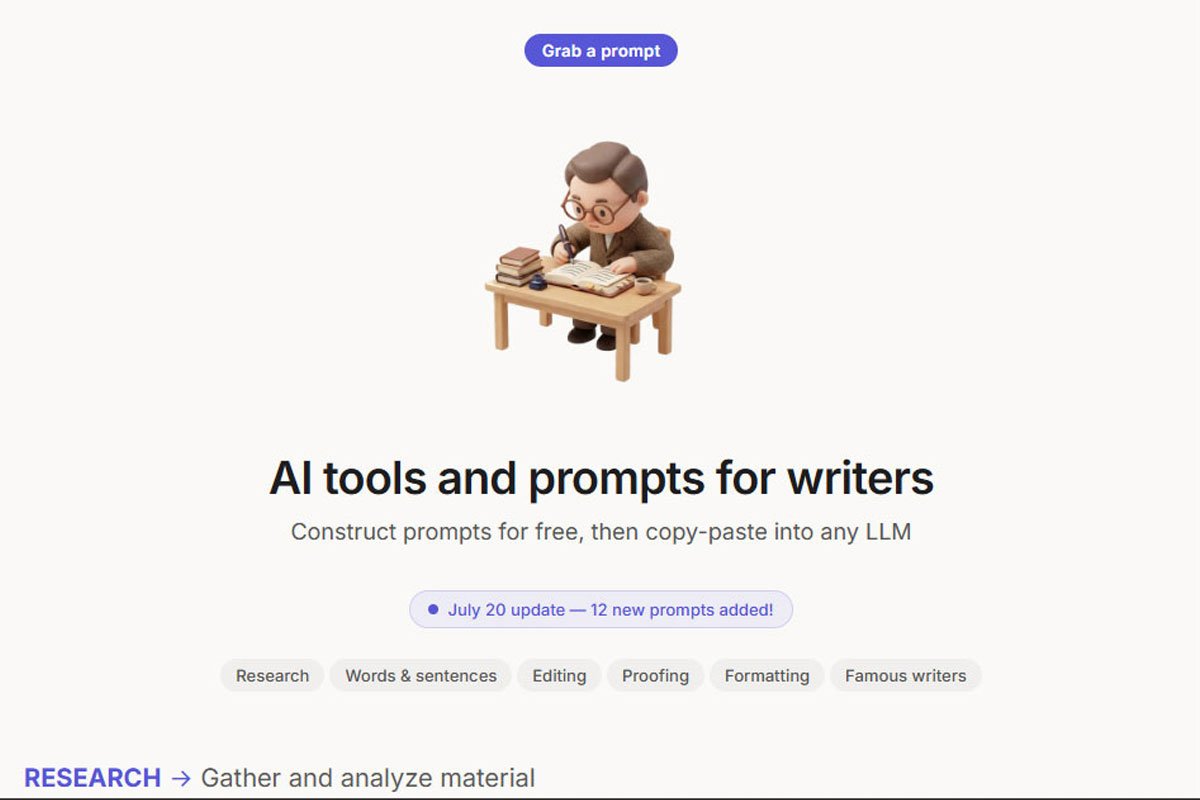
Are you searching for a platform that’ll help you manage your projects? Look, there’s an AI overview explaining what it does and whether it’ll work for you. Or are you running your document through Grammarly? Then you’ve already seen the option to rewrite everything with genAI.
As you can see, AI has become kind of a highlight of the whole online experience – and professional workflows are not an exception. In fact, from freelancers and startups to entrepreneurs and businesses, everyone relies on AI productivity tools to grow in a way that keeps up with the evolving world.
What Are AI Productivity Tools?
AI productivity tools are AI-powered applications and websites that help you solve particular issues in your overall workflow. From process automation to data analysis to even decision-making assistance, the scope of AI tools for work is rather broad. Moreover, they dip their toes into a variety of industries – HR, sales, content and marketing, software development, and a lot more.
The keyword here is productivity, as these tools are specifically designed to shave down your time and effort in otherwise repetitive or time-consuming tasks.
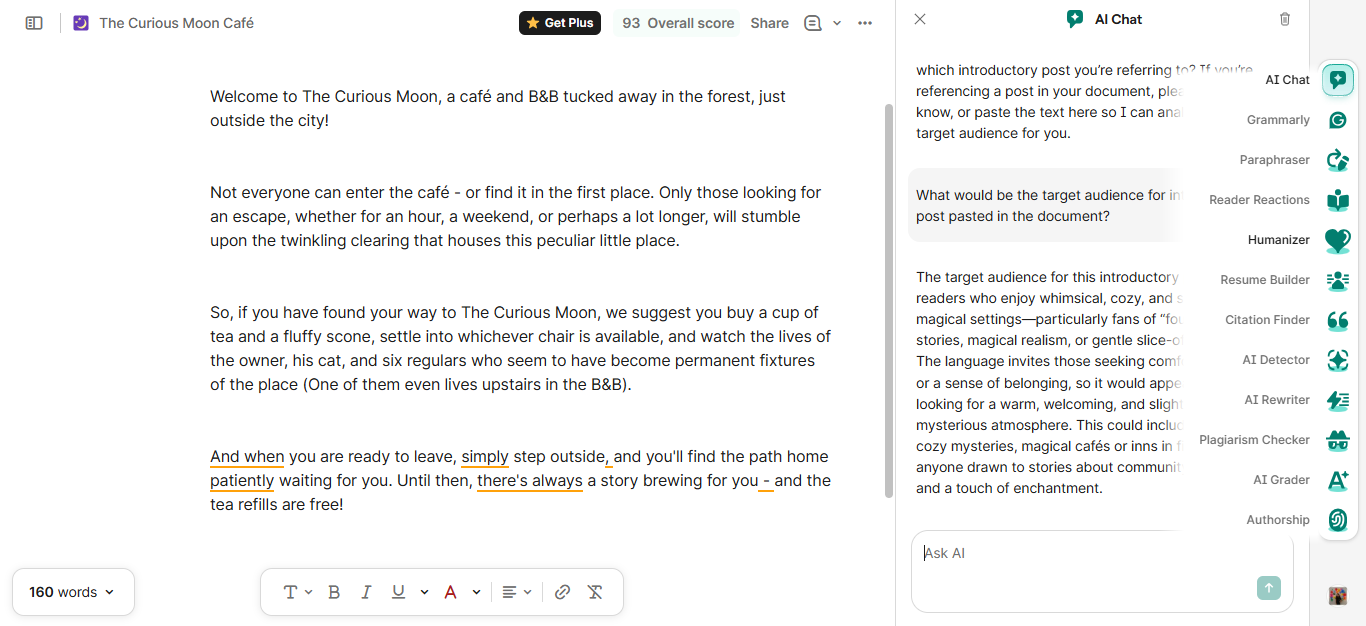
Let’s look at an example: since 2025, the beloved writing assistant, Grammarly, has extensively integrated AI into its interface. So, in addition to the usual grammar suggestions, it can now generate text, insert citations, and, ironically, humanize the text.
How Can AI Productivity Tools Improve Your Workflow?
As opposed to how it looks, AI tools for productivity aren’t just about getting more work done in less time. They are designed to support different aspects of your work, whether it be simplifying complex information or streamlining communication:
1. Saves Time:
One can’t talk about AI productivity tools without mentioning just how time-saving they are. These AI assistants can do a number of tasks in a matter of minutes and make your workday much more efficient. For instance, Microsoft 365 Copilot can fetch information across files and emails six minutes quicker than normal.
2. Improves Decision Making:
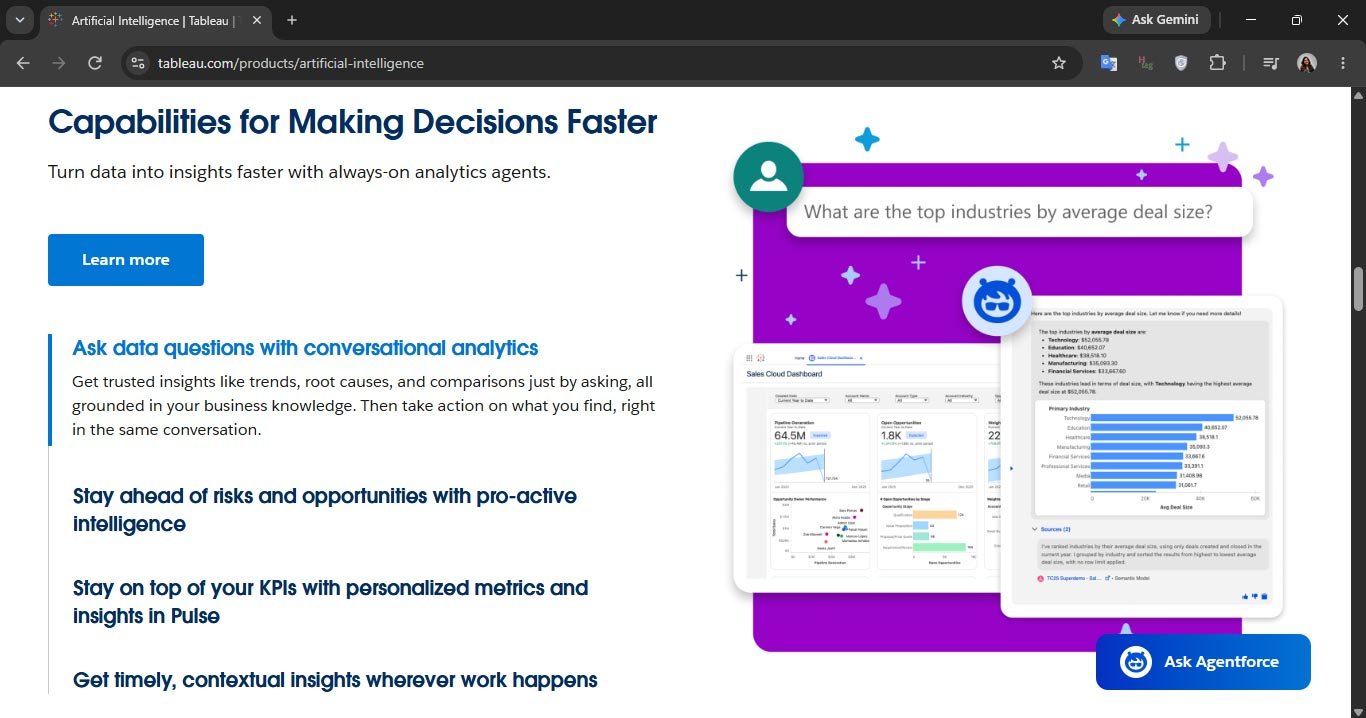
Research shows that AI (and its tools) helps working individuals make better decisions. How? Well, let’s picture a marketing manager, for example – they have to analyze campaign and customer data and compare performance across different channels to determine what needs more work. Here, a tool like Tableau AI can turn all this data into easy visualisation so you can make data-driven decisions.
3. Reduces Manual Error:
Do you remember the days when you still found mistakes in your work after proofreading everything? Well, AI productivity software – like Grammarly or Adobe Acrobat AI Assistant – helps reduce grammar errors, flag inconsistencies, and straighten out the facts you need to include. Once you tack on a final human review, your content is perfectly ready to be sent, posted, or shared.
4. Helps Organize Efficiently:
When you’re juggling multiple clients and projects, it’s easy for things to slip through the cracks. However, AI-powered productivity tools can keep everything under a tight leash – by organizing meeting notes, keeping track of deadlines, and turning vague discussions into clear action items. Think of these apps as a way to declutter your workday, leaving you with more space for work that actually matters.
5. Context switching:
Jumping from one task, tool, or project to another – without actually finishing one or both the tasks – is known as context switching. Unsurprisingly, it comes with mental fatigue, lowered productivity, and increased error rates in day-to-day work. Thankfully, tools like Notion AI and ClickUp Brain let you bring your workspace and other important apps together in one place, so you don’t have to switch across multiple tools, documents, or emails anymore.

What are the 7 Best AI Productivity Tools to Make Your Workflow Efficient?
Choosing the right AI-powered productivity tool can become rather overwhelming, especially as more and more of them drop in the market every other day. Not to mention, there are many that offer similar solutions to the same problem. So, we have rounded up the tools favored by a general consensus – each fulfilling a different need – that prove to be helpful and are worth the hype:
1. Zapier:
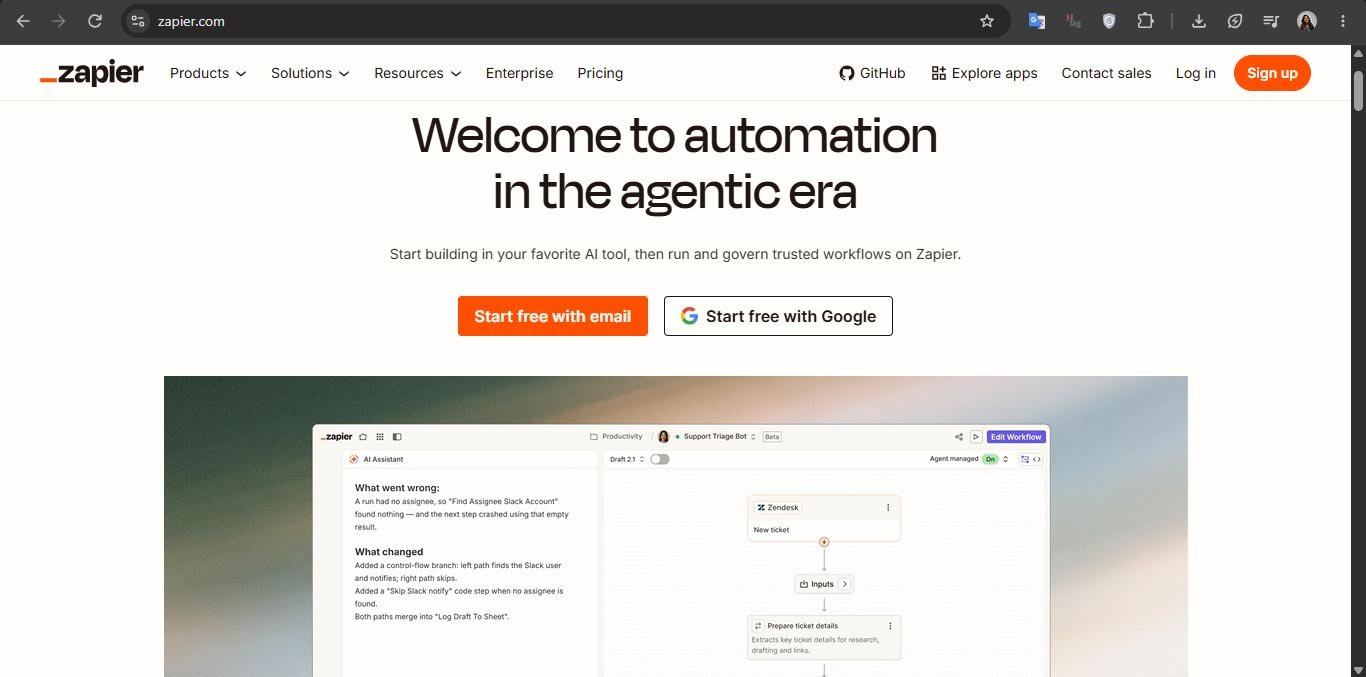
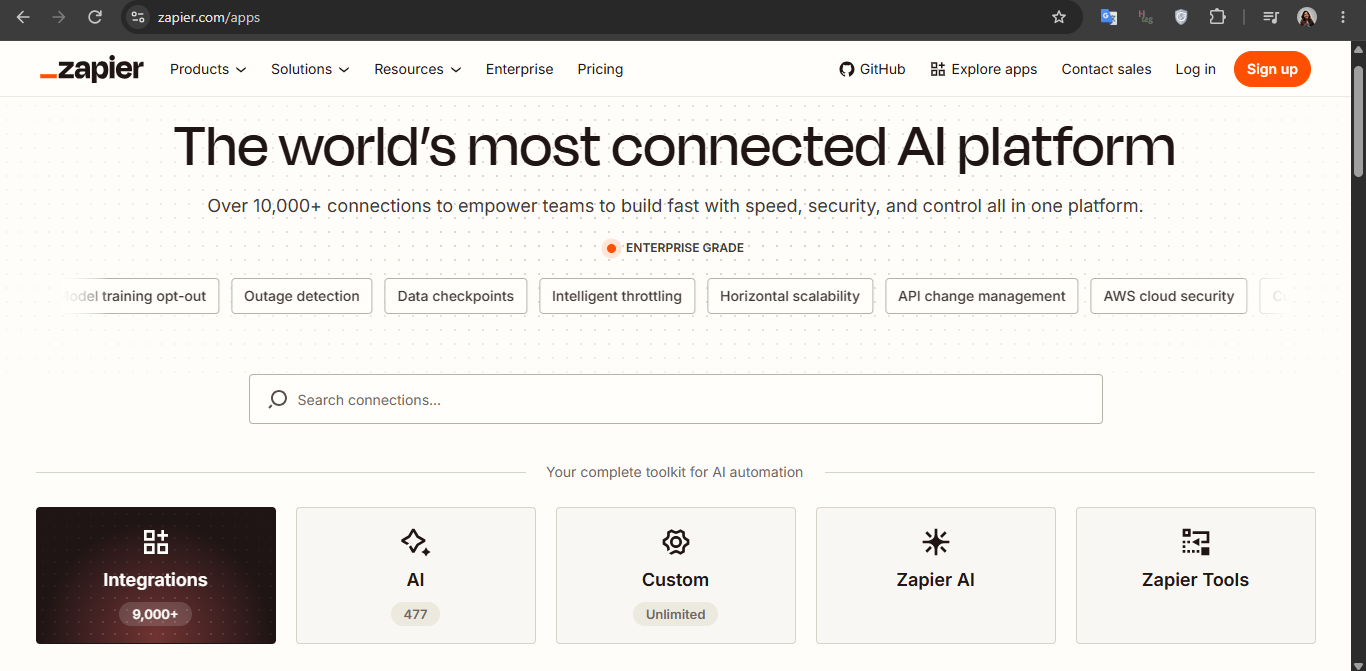
If your work is a web (of tasks), then Zapier is the spider weaving everything together. This AI productivity tool lets you create loads of automated workflows while coordinating between them so the repetitive tasks are off your plate. For example, it can extract your form responses, put the key data into a spreadsheet, and send it to your team. And that’s just one instance of its AI-powered prowess!
2. Otter.ai:
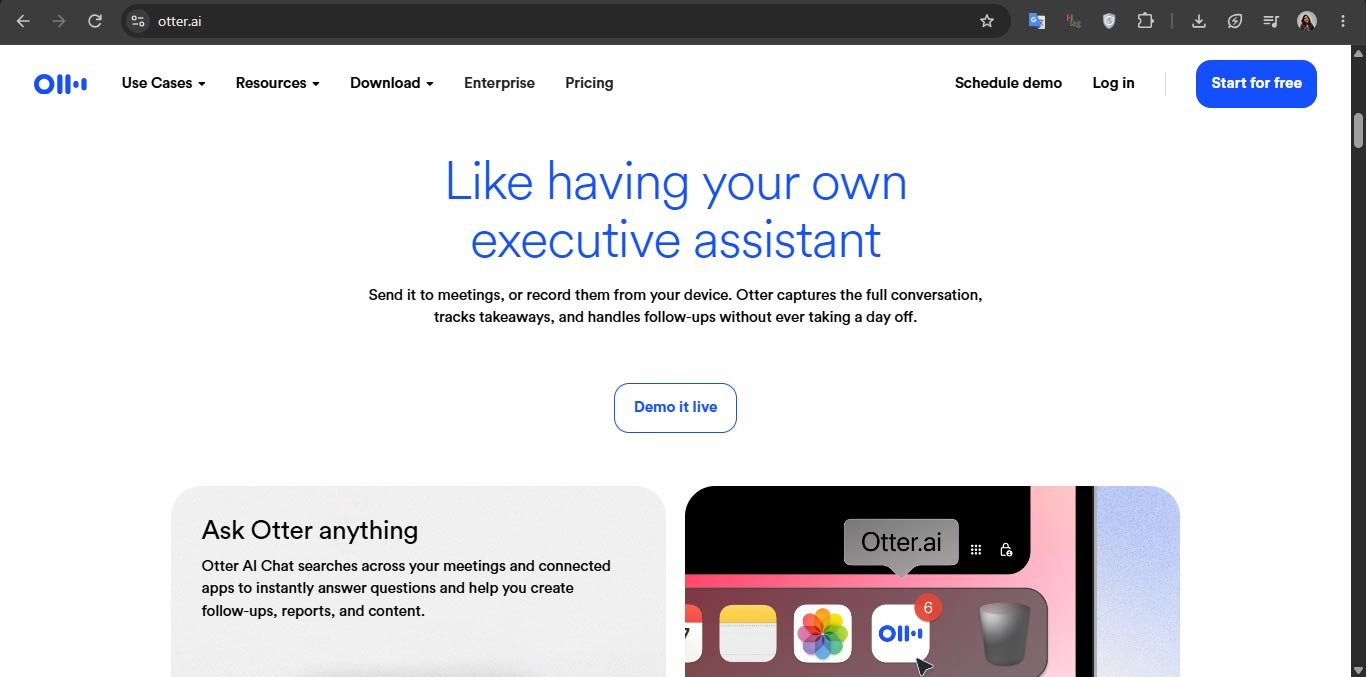
Otter.ai helps with transcribing meetings – and distinguishing between different speakers, might we add – summarizing the key notes, and creating searchable notes. You can also integrate it with any of the meeting platforms you use to cover virtual meetings along with in-person ones.
3. Littlebird:
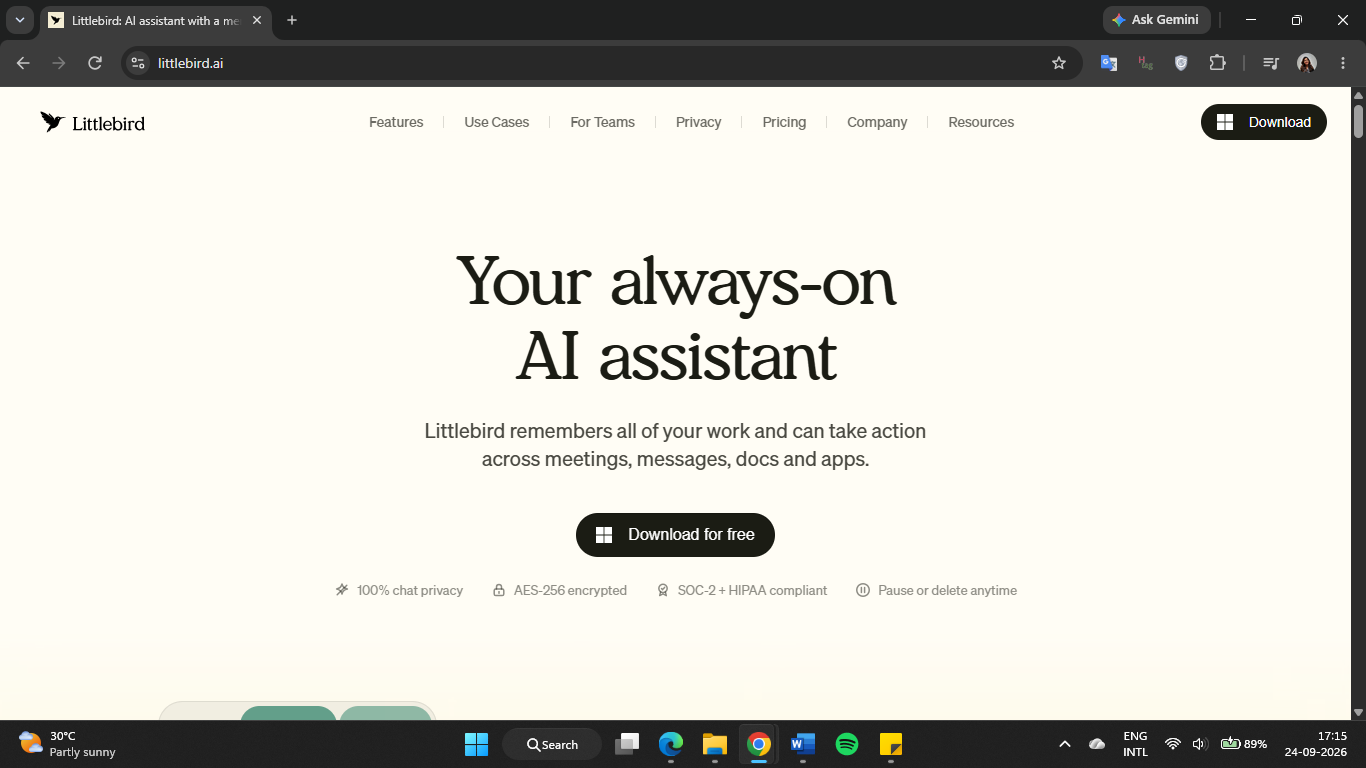
Littlebird is like Jarvis to your Iron Man – quietly keeping track of everything and stepping in to help when you need it. And by everything, we mean meetings, messages, documents, and other work activity, including whatever is on your screen. So, when you ask What is on tomorrow’s agenda? Or what is the status of a task? It gives personalized answers.
4. Notion AI:
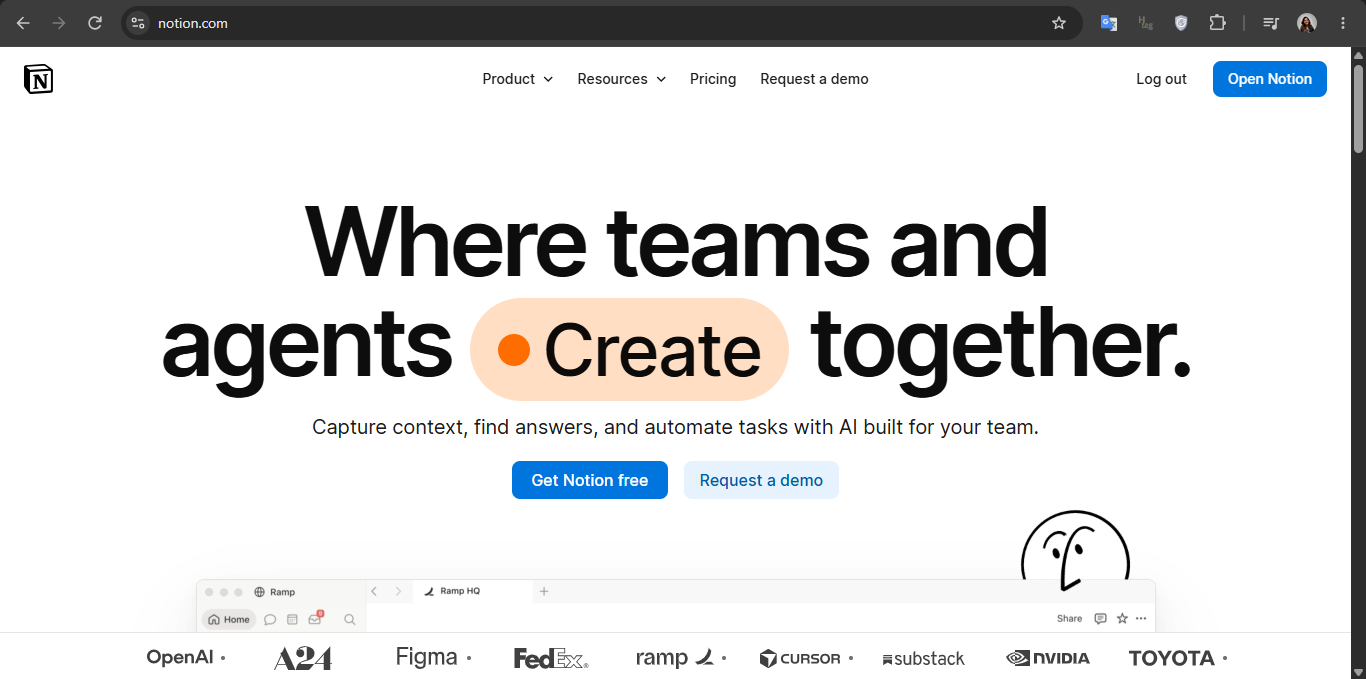
Over 100 million people use Notion as their workspace – and get to enjoy Notion AI, its built-in assistant. Apart from generating text, it can build databases and custom agents, search through all the connected apps, and take care of those repetitive tasks. If you’re working solo or with a team, having all that in one place makes it all easier to manage.
5. Motion:
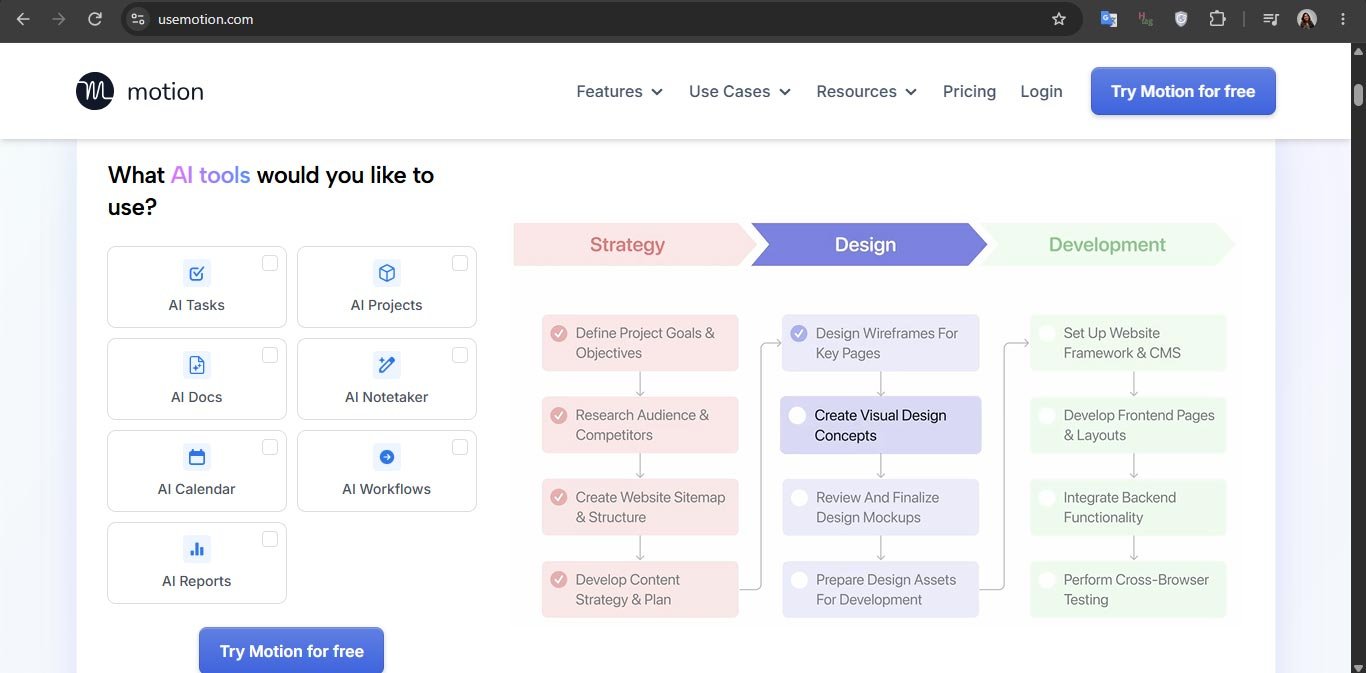
This productivity tool uses AI to analyze your deadlines and fit them according to their priority status on your calendar. And if there’s a sudden change to the schedule, you don’t have to rewrite your entire day – Motion will adjust it in real time. For example, let’s imagine your meeting runs an hour longer than was scheduled. Here, Motion rearranges your priorities so you can still make the best use of the remaining time.
6. Asana Intelligence:
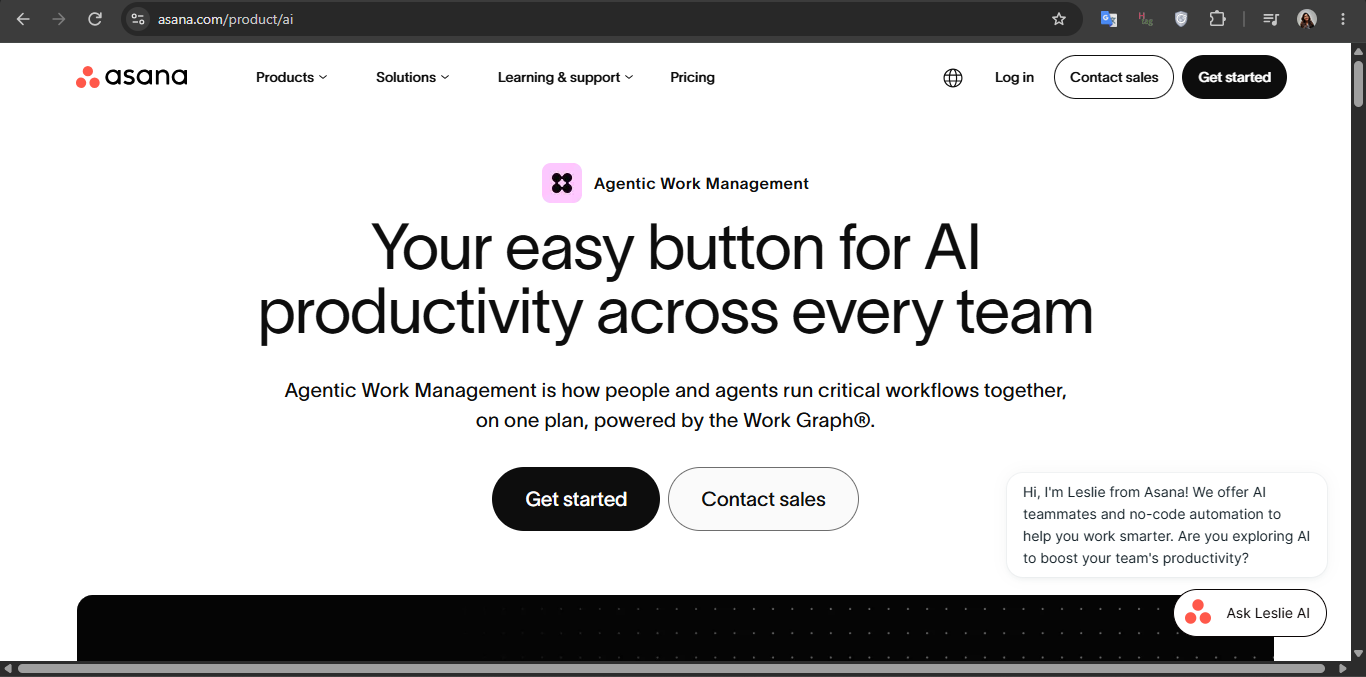
Project management is not the easiest job in the world – but it’ll surely feel like that with Asana Intelligence. It offers a wide range of features, including identifying project risks and blockers and converting your discussions into actionables. It also keeps track of your project’s progress, so you don’t have to remember every single detail.
7. ClickUp Brain:
Are you still using a long list of tools for each work-related task? Then let ClickUp Brain bring it all together for you! This AI productivity tool, built into the ClickUp platform, pulls data from connected apps, helps manage multiple projects, creates content, and even automatically routes your prompts to the relevant AI models for answer generation.

How to Pick Just the Right AI Productivity Tool?
The AI productivity software space is kinda crowded, as many apps and tools often have a similar purpose. For example, Otter.ai, Fathom, and Fireflies.ai can all transcribe your meetings. Choosing between these – and tools from the other categories – is quite a task, unless you ask yourself these questions:
1. So what do you need the tool for?
You can’t choose an AI productivity tool without first determining the purpose of using it. So, for example, if your work involves reading lengthy documents just to find mere lines of key data, go for a tool that does that same – and intuitively.
2. Does it fit into your current workflow?
Instead of forcing you to make adjustments in your workspace, the chosen tool should easily fit into your workflow. That’s because good integration lets you move data seamlessly between tools without wasting time manually doing so.
3. Is the UI intuitive?
An AI-powered productivity tool can be stuffed with the most amazing of features, but that won’t matter if the user interface is particularly difficult to navigate. So, choose the option with a UI you find easy to use, and that actually helps you stay productive throughout your workday.
4. Does it meet your security needs?
This question may have an answer you might not understand right away, but it’s rather important to ask anyway. Before choosing your tool, read through its privacy policy, how it stores data, and what security measures it takes. Additionally, it’s worth checking if the platform uses your data to train its AI models – and whether you can opt out of it.
5. Is it worth the cost?
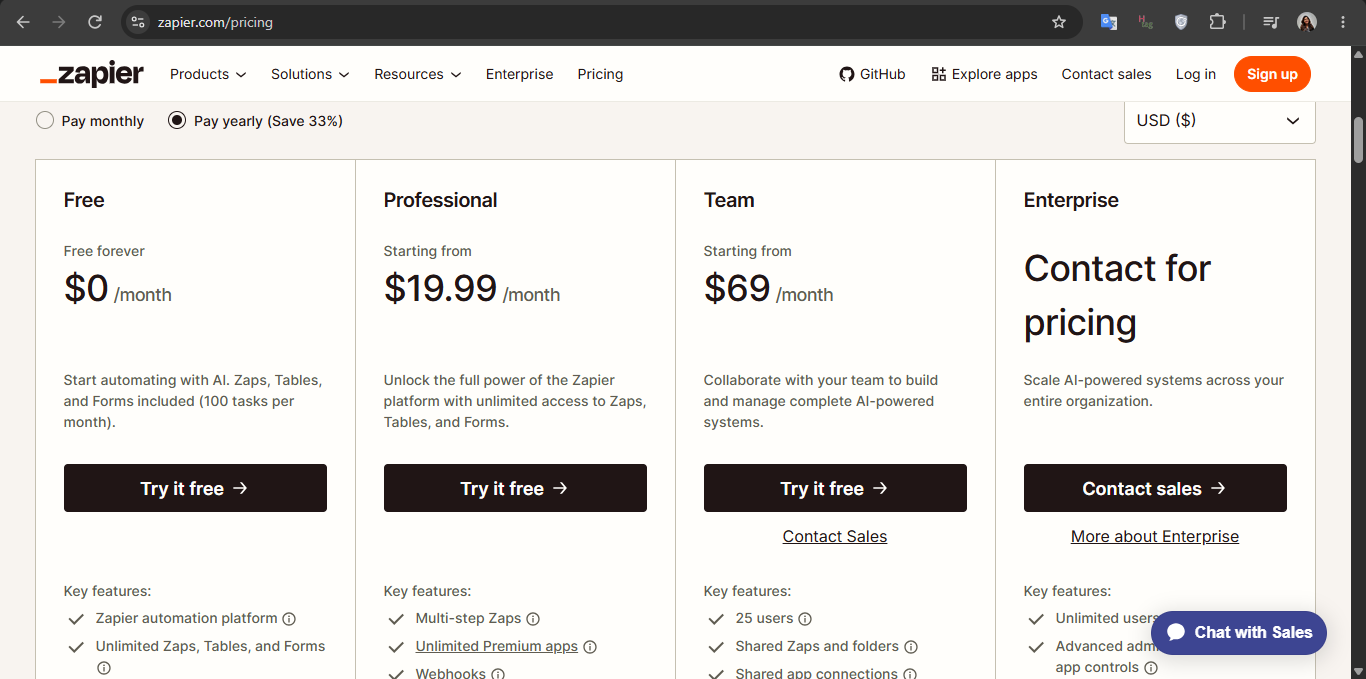
AI productivity tools come with different pricing options – free plans, limited trials, freemium models, and monthly or annual subscriptions. So, before committing to one, compare the plans and consider which would fit your budget (and needs) the best. After all, a tool with a higher price tag doesn’t automatically make it the most productive.
Final Words
As opposed to the hullabaloo, AI isn’t going to take your job – especially if you work with it to improve your productivity. That’s what these tools are for anyway – making your work faster, more organized, and a lot easier to manage.
However, you don’t need to invest in every AI productivity tool – mentioned here or on the internet. Start by identifying what eats up most of your time, energy, and mental capacity, and choose the one that addresses that need. Whether you want to automate some tasks or manage a pile of projects, there’s an AI-powered tool right around the corner!